
"Sell digital products" has become the online version of "eat less and move more."
It's technically not wrong. It's just completely useless on its own.
Ask five people how to sell digital products online and you'll get five platform recommendations, a Canva tutorial and at least one person selling you a $297 course about it. Nobody stops to ask the question that actually matters:
What are you making, who is it for and are you sure anyone actually wants it?
That's what most platform guides skip. They list tools like a menu at a restaurant you've never been to, with no context about what's actually good.
By the end of this, you'll know which creation tools match which products, which selling platforms are worth your time, which combinations actually work for beginners and why most people get stuck before they ever make their first sale.
At Moonlite Money, we focus on realistic paths to online income. Not overnight results. Not guru math. Just honest frameworks that actually hold up when you try them.
What are we even talking about when we say "digital products"?
Before picking a platform, it helps to be clear on what a digital product actually is. And no, it's not just an ebook.
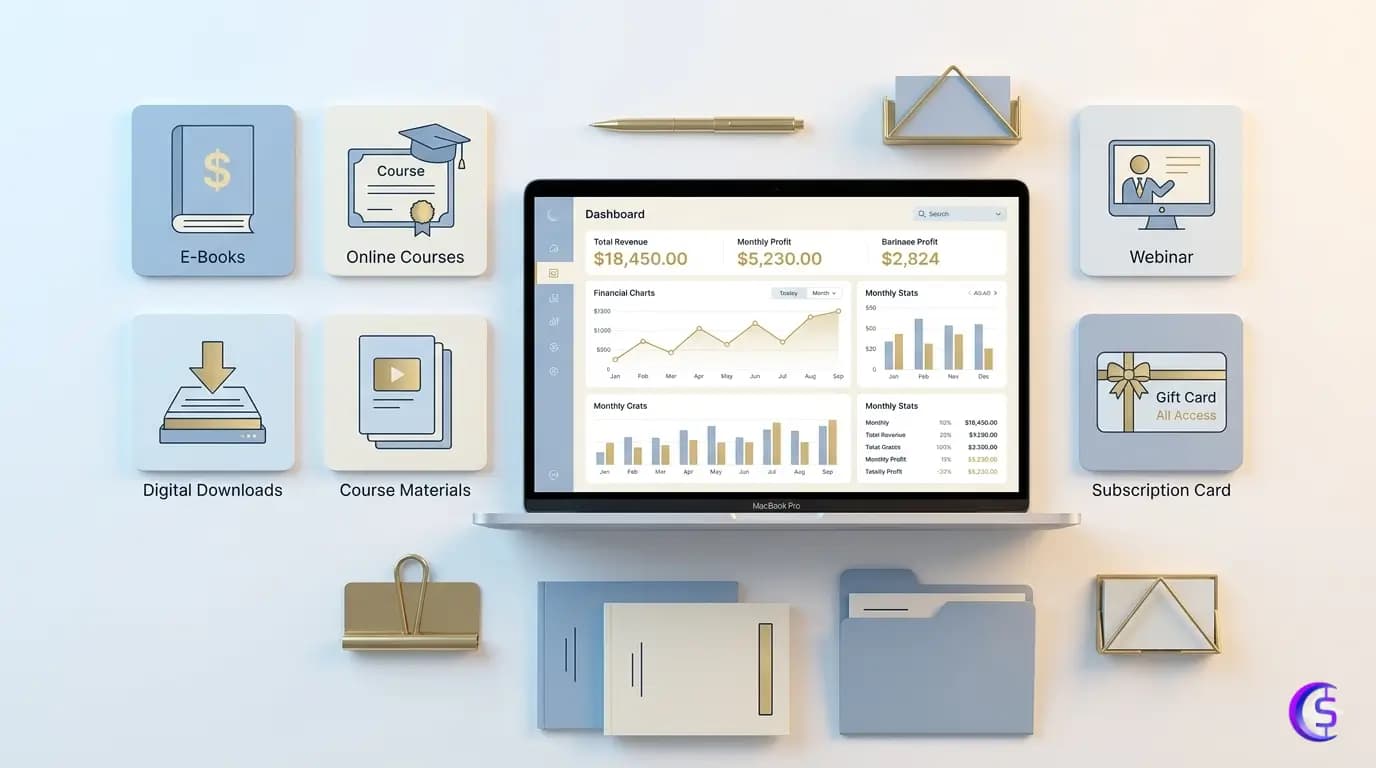
A digital product is anything delivered digitally that a buyer gets instant access to after paying. No shipping. No factory. No stock.
The most common ones beginners ask about:
 sell ebooks and guides PDFs, how to documents, structured knowledge
- Sell Canva templates, Notion dashboards, spreadsheet systems
Printables planners, trackers, wall art, worksheets
Online courses structured lessons with video, audio or text
Memberships recurring access to content or a community
Software or tools apps, plugins, no-code tools, scripts
These aren't interchangeable. A Notion template and a software tool are both "digital products" the same way a bicycle and a motorcycle are both "vehicles." The right platform for one is completely wrong for the other.
This is the first mistake most people make. They ask "where should I sell digital products" before deciding what they're actually selling.
Platform follows product. Not the other way around.
The quick answer, by product type
If you already know what you're making and just need a fast reference:
Product Type | Best Creation Tool | Best Selling Platform |
|---|---|---|
Ebook or written guide | ||
Canva or design template | Canva, |
|
| Gumroad, | |
Printable (planner, tracker) | Canva | Etsy |
Online course | Google Docs + screen recording | |
Membership community | Existing content + community tool | Podia, Ko-fi, |
Software or plugin | No-code builder or AI-assisted code | |
Social creator store | Any of the above |
|
Serious long-term brand | Any of the above |
|
 Designrr
 creativemarket
 Patreon
The rest of this blog explains the why behind each of these, so you can make an informed decision instead of just picking the top result on Google.
Best digital product creation tools in 2026
Creation tools are where you build the thing. These are not the same as selling platforms. Mixing them up is how people end up spending three weeks on the wrong software.
 canva for visual products
Canva is the closest thing to a universal starting point for most digital creators. It handles ebooks, printables, workbooks, social templates, lead magnets and presentation-style guides without requiring any design background.
The free plan is genuinely useful. The drag-and-drop interface means you can go from blank page to finished PDF in a single afternoon.
The one catch: if you're selling Canva templates (not just PDF exports), buyers need their own Canva account to use them. That's fine for most audiences, but worth knowing upfront.
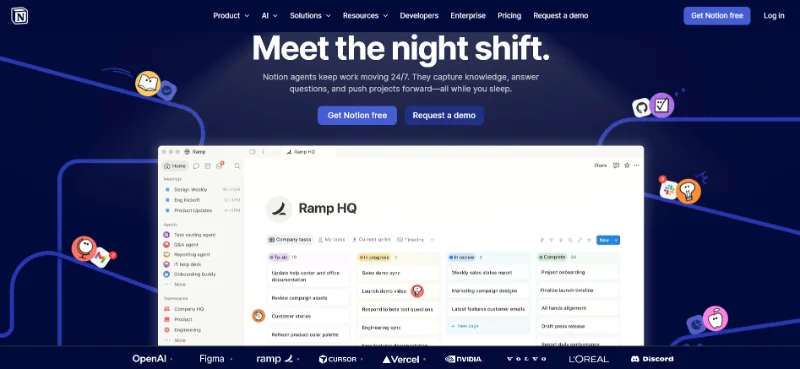
 Notion for productivity and systems
Notion templates are one of the more underrated digital products to sell right now. Dashboards, project trackers, life operating systems, second-brain setups there's a real market for well-built Notion systems from people who don't want to build their own from scratch.
Creating them is free. Sharing them is free. The audience is specific but loyal and willing to pay for quality.
The catch: buyers need a Notion account. This is a smaller market than printables on Etsy. Know your audience before you invest weeks building one.
Google Docs for text-heavy products
If your product is primarily words a guide, a framework, a workbook, an ebook Google Docs is completely free, familiar to everyone and exports to clean PDFs without any learning curve.
It won't win any design awards. But if your value is in the content rather than the presentation, it gets the job done faster than anything else.
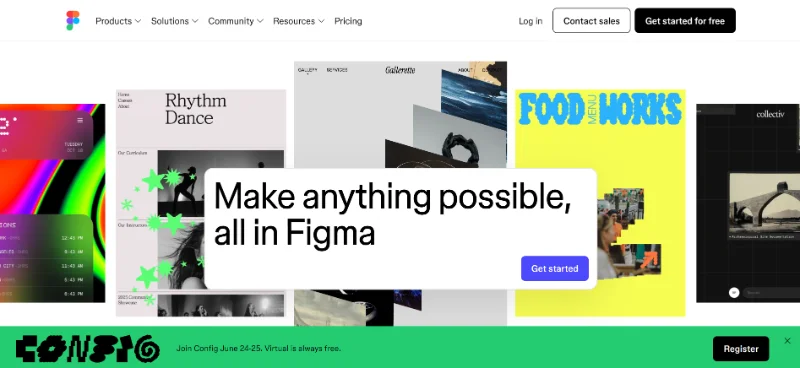
 Figma for designers selling design assets
Figma is the industry standard for UI design. If you're selling design templates, UI kits, icon packs, or brand identity assets to other designers or Developer, Figma is where those products live.
Free tier available. Steeper learning curve than canva. Not the right tool if you're new to design but if you already use it professionally, it's a natural place to package what you already know.
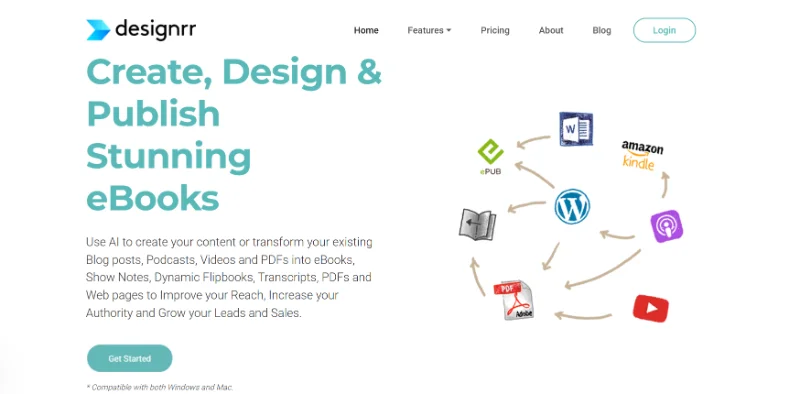
Designrr for people who already have content
Designrr is built for one specific job: taking content you've already written and turning it into a professional-looking ebook or lead magnet. If you have blog posts, interview transcripts, or long-form documents that need to look polished quickly, it's genuinely fast.
It's a paid tool, which means it's not the right starting point for someone testing their first product. But for established writers and coaches, the time it saves can be worth the cost.
 chatgpt,
  Claude and AI writing tools a drafting aid not a product factory
This one needs a straight answer because the hype around it has gotten out of hand.
AI tools are useful for outlining, brainstorming product ideas, drafting first passes at content, reorganizing research and getting unstuck when the blank page is winning.
They are not a shortcut to a finished, sellable product.
The output requires real human review for accuracy, originality and actual usefulness. If you feed a prompt into ChatGPT and put the output on  Gumroad without editing it, you're not selling a digital product. You're selling a draft.
The quality bar for paid products is higher than most AI output clears on the first pass. Use it to move faster. Don't use it to skip the work entirely.
Best digital product selling platforms in 2026
Selling platforms handle checkout, file delivery and payment processing. The choice here affects your fees, your reach and how much control you actually have over your business long-term.
Gumroad the beginner default for a reason
Gumroad is where most people sell their first digital product and there's a good reason for that. No monthly fee. Easy setup. Built-in creator discovery. File delivery is automatic.
The free plan takes 10% of every sale. That sounds like a lot until you realize the alternative is paying $30/month before you've made a single dollar.
Worth knowing: Gumroad's built-in audience is real but limited. You can't rely on it as your only traffic source. It's a storefront, not a search engine.
 payhip the underrated alternative
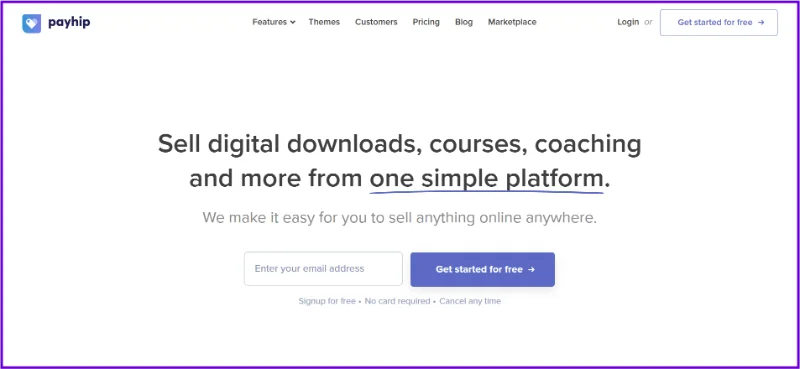
Payhip runs a free forever plan with a 5% transaction fee slightly better terms than Gumroad for the same basic functionality. It handles ebooks, courses, memberships, coaching, software and even physical products.
The tradeoff is visibility. Payhip has less of a built-in discovery community than Gumroad. You need to bring your own audience. But if you're already doing that anyway, the lower fees matter.
It also handles EU VAT compliance automatically, which saves a headache if you're selling internationally.
 Etsy for visual digital products with search demand
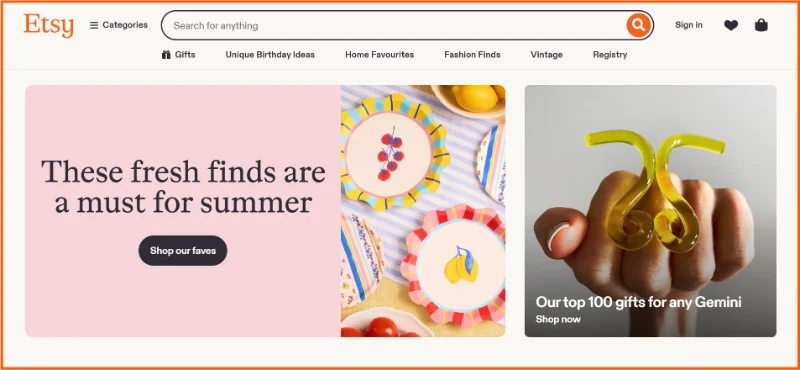
Etsy has built-in buyer traffic. Millions of people search it specifically for printables, planners, Canva templates and digital art. That's the entire upside.
The downside is that it's competitive, listing fees apply and Etsy controls the platform. Your store can be suspended. Search visibility can change overnight. You don't own the customer relationship.
The honest take: Etsy works well as a starting channel for the right product types. It's a terrible place to build a business on if it's your only channel.
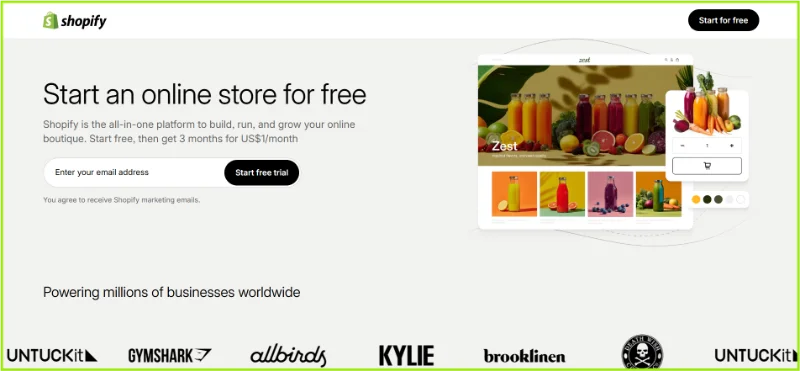
 Shopify for people building a real brand
Shopify gives you full ownership: your store, your branding, your customer data. It's the right choice for people who are serious about building a long-term digital product business, not just testing an idea.
Monthly fee starts around $19. You need apps for digital delivery (like Digital Downloads or  SendOwl). And you're responsible for all of your own traffic.
Shopify is not a beginner's first move. It's where you graduate to.
 Podia all-in-one for courses and memberships
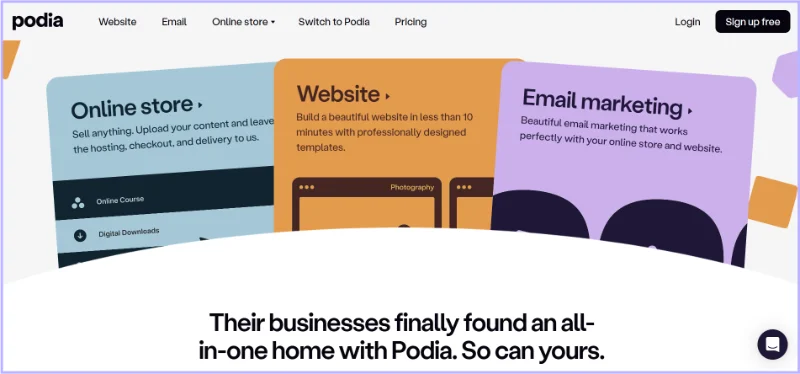
Podia puts courses, digital downloads and memberships under one roof. No transaction fees on paid plans. Clean interface. It's genuinely beginner-friendly for creators who want to offer structured content alongside their products.
It requires a monthly subscription, which makes it overkill for someone just testing a single low-cost PDF. But for a creator building a proper product suite, it's one of the more streamlined options available.
 Teachable and Thinkific for serious course creators
Both platforms are built specifically for online courses student management, quizzes, certificates, structured lesson progression. If a course is your primary product, these are purpose-built tools.
Teachable charges transaction fees on lower plans.  Thinkific free plan has limitations. Neither is ideal for creators just testing an idea, but both are solid for people who've validated a course concept and want the proper infrastructure.
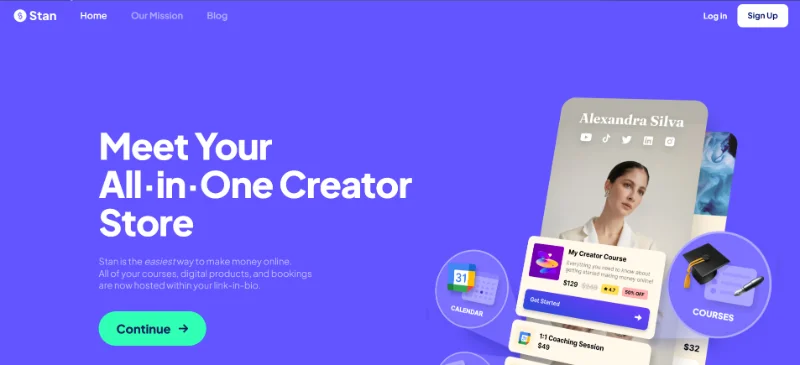
 Stan Store and
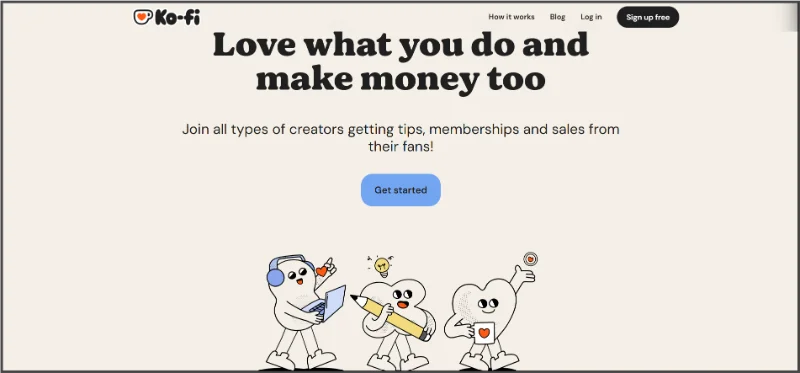
  Ko-fi for creators with an audience
Both solve the same problem: turning a social media following into income through a single link-in-bio. Ko-fi is free to start and works well for tips, small digital products and light memberships. Stan Store is more structured, built around funnels and digital sales for  instagram and
  TikTok creators.
The honest caveat: without an existing audience, neither of these will do much for you. They're audience converters, not audience builders. Lemon Squeezy for software and tool builders
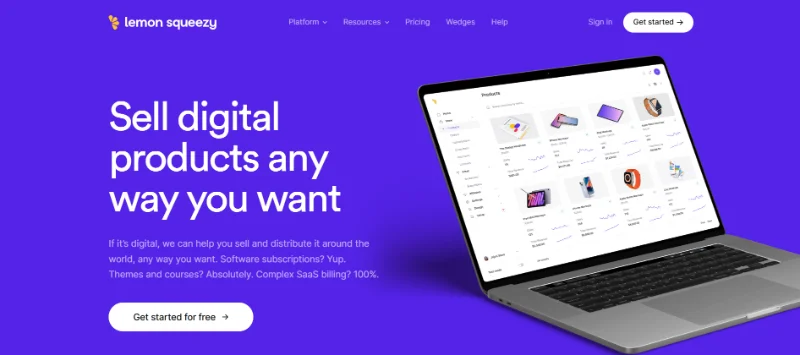
Lemon Squeezy handles global tax compliance automatically, which is the real reason developers use it. Selling software, plugins, SaaS subscriptions, or digital tools across multiple countries involves tax obligations most platforms ignore. Lemon Squeezy doesn't.
Less relevant if you're selling a PDF. Extremely relevant if you're selling something technical that auto-renews.
The Actual Combinations That Work For Beginners
The biggest mistake beginners make isn't picking the wrong platform. It's signing up for four platforms at once, spending three weeks figuring out integrations and never actually finishing the product.
One creation tool. One selling platform. One product. That's it.
Here's the stack that makes sense at each starting point:
Your Situation | Create With | Sell On | Why This Works |
|---|---|---|---|
First ebook or guide | Google Docs or Canva | Free tools, lowest friction, fast to test | |
Canva |
| Etsy for discovery; Payhip for better fees | |
Gumroad or | Direct audience, zero overhead to start | ||
First online course | Google Docs + | Structure without overcomplicating | |
Social-first creator |
|
| One link, fast checkout, works with reels |
Design assets |
|
| Right audience already shopping there |
Building a brand long-term | Any |
| Full ownership, email list, full control |
 OBS Studio
The part most platform guides skip entirely
Most people build a product nobody asked for, then wonder why it doesn't sell.
Before you spend six weeks designing the perfect Canva template, do the thing that actually determines whether any of this works:
Validate the idea.
Go to communities where your target buyer already hangs out. Read the questions they're asking. Look at the reviews on competing products especially the critical ones. Those reviews are a roadmap of what people wanted and didn't get.
Ask yourself what you keep explaining to people who ask for your help. Usually that thing is worth packaging.
A simple, validated, ugly-ish product that solves a real problem will outsell a polished, beautifully designed product that nobody wanted every single time.
This is the core of what Moonlite Money is built around. Realistic income paths start with real demand. Not with the platform. Not with the design. With whether someone actually wants the thing.
You can join the Moonlite Community to explore validated income ideas and read more online income guides and connect with other creators working through exactly this process.
The ways most people waste their time here
These are the patterns that show up over and over again. None of them are about the wrong platform. All of them are about the wrong approach.
Picking a platform before validating whether anyone wants the product. The platform doesn't make the product sellable.
Signing up for five tools at once. You will spend all your energy on setup and none on actually shipping.
Ignoring transaction fees until they eat into every sale. Calculate the real cost before you commit to a platform.
Treating
Etsy or Gumroad as a traffic source instead of a storefront. Marketplaces help with discovery. They don't replace marketing.Building a generic product with no specific audience. "Productivity templates" is not an audience. "Freelance designers who invoice 5+ clients a month" is.
Not collecting emails from customers. One policy change on any marketplace and your customer list disappears. Email is the only asset you actually own.
Using income screenshots from other people to set expectations for yourself. Someone else's results in a different niche, at a different time, with a different audience are not a prediction of yours.
If you are not sure what the most popular digital products to sell actually are, we've broken that down separately on Digital Products To Sell in 2026.
So what's the actual answer?
There isn't one. Not a universal one.
The best digital product creation and selling setup in 2026 is the one that fits your specific product, your specific audience and where you actually are right now not where someone else was when they hit their milestone.
For most beginners, the answer is embarrassingly simple: make something real, put it on Gumroad or payhip, tell the specific people it's for that it exists and see what happens.
The goal isn't the perfect platform. The goal is the first real sale.
Because the first sale tells you more than any guide will. It tells you whether someone values what you made enough to pay for it. From there, you iterate. You build. You get better.
Simple tools. Real demand. One product at a time.
Explore more realistic online income ideas and compare creator tools at Moonlite Tools.
Frequently asked questions
What is the best site to create digital products?
For most beginners: Canva for visual products (ebooks, templates, printables), Google Docs for text-heavy guides and reports and Notion for productivity systems. All three have free plans. Start with whichever one matches what you're actually building.
What is the best site to sell digital products for beginners?
Gumroad and Payhip are the lowest-friction options. Both have free plans, handle file delivery automatically and don't require a monthly fee to start. Gumroad charges 10% per sale; Payhip charges 5%. Neither requires a website. For visual products like printables and templates, Etsy is also worth considering if you want built-in buyer traffic.
Can I create and sell digital products for free?
Yes. Create with Canva, Google Docs, or Notion (all free). Sell on Gumroad or Payhip without a monthly fee. You'll pay a percentage of each sale as a transaction fee, but the upfront cost is zero. This makes testing your first product genuinely accessible at any budget.
Do I need a website to sell digital products?
No. Gumroad, Payhip, Etsy, Ko-fi and Stan Store all handle your storefront and checkout without requiring a personal website. A site or Shopify store gives you more control and branding long-term but building one before you've validated your first product is usually just a way to delay shipping it.
What are the most profitable digital products to sell?
Profitability depends more on niche, specificity and audience size than on product type. That said, online courses and software tools typically command higher price points than single-file downloads. Templates and printables are lower-priced but have lower production costs and can sell at volume. The most profitable digital product is almost always the one that solves a specific problem for a specific person regardless of format.